
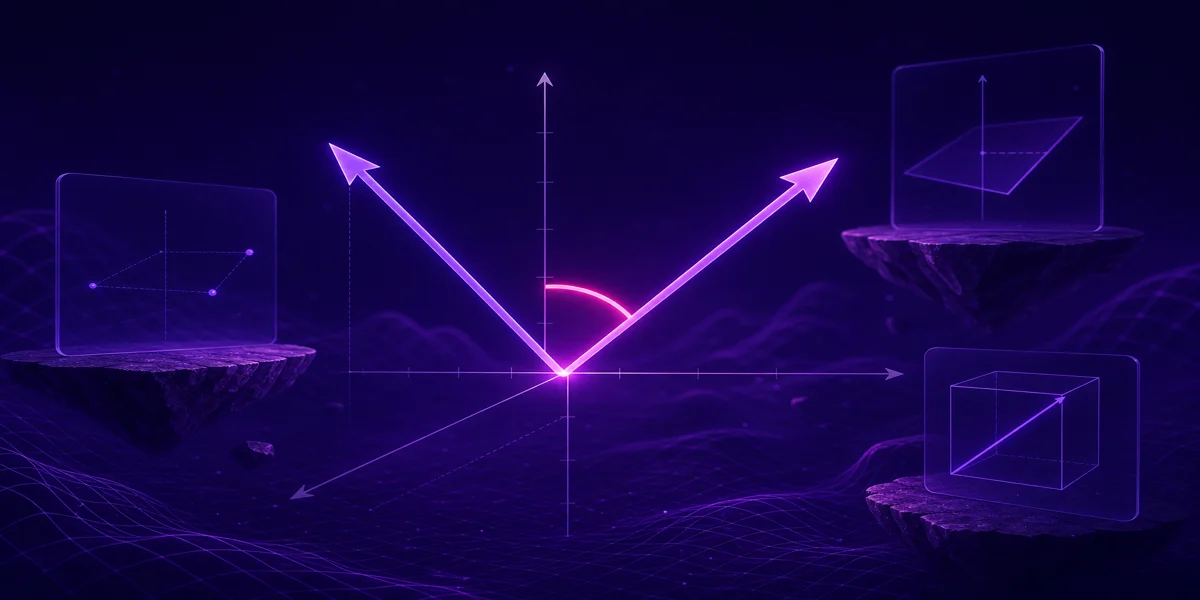
Quick answer
Use 2D when both vectors lie in a plane and every z component is truly zero. Use 3D when elevation, depth, or a third axis participates in either vector.
Formula
- Same formula in both cases: cos θ = (a · b) / (|a| |b|)
- 2D shortcut: a · b = aₓbₓ + aᵧbᵧ when a_z = b_z = 0
Introduction
Map work, UI layout, and many physics diagrams live in the plane, so 2D mode is the default mental picture. The moment a force, velocity, or cable has a vertical part, you need the third component even if the drawing looks flat.
Toggle 2D or 3D at the top of the Angle Between Two Vectors Calculator before you enter either vector. Practice triples in angle between two vectors examples when you want numeric drills.
What changes between 2D and 3D?
The angle definition does not change. You still measure the smaller angle between directions. What changes is bookkeeping: one extra component per vector and one extra term in every dot and magnitude sum.
A 2D problem embedded in 3D space often sets z = 0 explicitly. Hidden z values that are not zero will change θ compared with a purely planar sketch.
Structural and robotics models may look flat on screen while still carrying elevation in the data. The safe habit is to read the actual z columns before you choose a mode.
Switching from 3D down to 2D without checking can hide tilt: two beams may appear to meet at 90° in a floor plan while meeting at a different angle in space.
Shared formula, different component count
- 3D: a · b = aₓbₓ + aᵧbᵧ + a_z b_z
- 2D: a · b = aₓbₓ + aᵧbᵧ
- θ = arccos((a · b) / (|a| |b|))
Students sometimes compute a correct 2D angle then wonder why a 3D answer differs. The fix is to list all three components for both vectors and compare.
For the algebraic steps after you choose a dimension, use how to find the angle between two vectors step by step as your checklist.
Choosing the right mode
- Ask whether height or depth matters. If both stories are strictly planar (same floor level, same plane in CAD), 2D is reasonable. If either vector mentions rise, fall, or z, move to 3D.
- Set z to zero on purpose, not by accident. Leaving z blank in a spreadsheet is not the same as z = 0 unless your import rules say so. Be explicit in notes.
- Run the dot product with the matching term count. Do not drop the z term for one vector only. Symmetry matters: both vectors must use the same dimension.
- Compare against a known 3D case. Pick simple axes vectors like (1,0,0) and (0,1,0) for 90°. Repeat in 2D with (1,0) and (0,1) to see the pattern stay consistent.
- Document which mode you used in reports. Write 2D or 3D in your caption so readers know whether z was considered. That prevents silent mismatches when someone rebuilds your vectors later.
Same directions, two models
In the plane, a = (1, 0) and b = (0, 1) give a·b = 0 and θ = 90°. In space, a = (1, 0, 0) and b = (0, 1, 0) give the same dot and the same angle.
Now let a = (1, 0, 1) and b = (0, 1, 0). The dot is still 0, so θ remains 90°, but a 2D model that silently zeroed the z on a would misrepresent a’s direction. For input patterns that create those vectors, review coordinate vs point input for vector angles.
Another 3D check: a = (1, 2, 2) and b = (2, -1, 0) need all three products in the dot. Dropping z on either vector would change θ entirely.